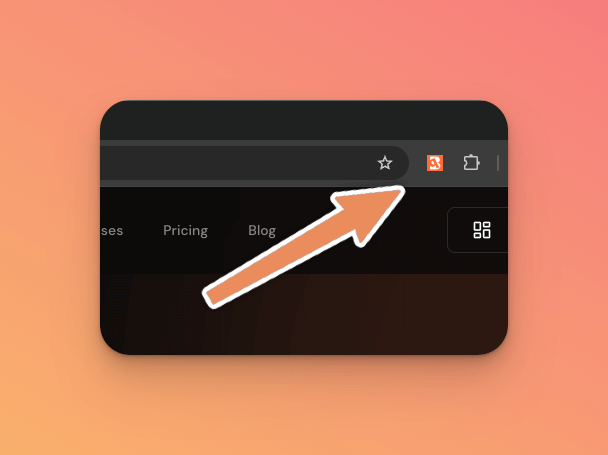
The BrandQL Chrome Extension is now available in private beta. It lets you preview and inspect logos for any domain directly in your browser — no API calls, no code, no switching tabs.
What It Does
The extension sits in your browser toolbar and does three things:
- Popup preview: Click the extension icon on any page, and it shows you the logo BrandQL has for that domain. You can see the image, its format, dimensions, and quality score.
- Context menu: Right-click any link on a page and select "Preview logo" to see the logo for that link's domain. Useful when you're browsing a list of companies or scanning through CRM contacts.
- Quick actions: Copy the logo URL to your clipboard or download the image directly, in one click.
Who Is This For
I originally built this for myself — I kept switching between the BrandQL admin panel and the browser while reviewing logos for client domains. The extension eliminates that context switch.
But it turns out a few other use cases make sense too:
- Designers reviewing brand assets for client projects can quickly check what's available without leaving their workflow
- Sales teams on LinkedIn or in a CRM can pull up company logos on the fly for presentations or outreach materials
- Developers debugging logo rendering issues can inspect what the API is actually returning for a given domain
Under the Hood
The extension calls the BrandQL API using your API key (configured in the extension settings). It's lightweight — no background processes, no tracking, no permissions beyond what's needed to fetch logo data for the current tab or right-clicked link.
Getting Access
This is a private beta. The extension isn't on the Chrome Web Store yet — I'm distributing it directly to early testers to gather feedback before a public launch.
If you'd like to try it, request access through your BrandQL dashboard or ping me on X (@useBrandQL). I'm especially interested in feedback on the UX and any edge cases with unusual domains.